C# basics every .NET beginner should know
You are in a .NET interview and the question sounds simple:
What is the difference between value types and reference types?
You answer "stack and heap," then the interviewer asks about boxing, object, dynamic, readonly, records, and why strings are immutable. Suddenly the topic is not one definition. It is the mental model behind everyday C# code.
By the end of this guide, you should be able to explain the most common C# basics clearly, read small snippets with confidence, and avoid answers that are technically incomplete.
We will use one running example: a small course enrollment app that stores students, course names, fees, and IDs.
Value types and reference types
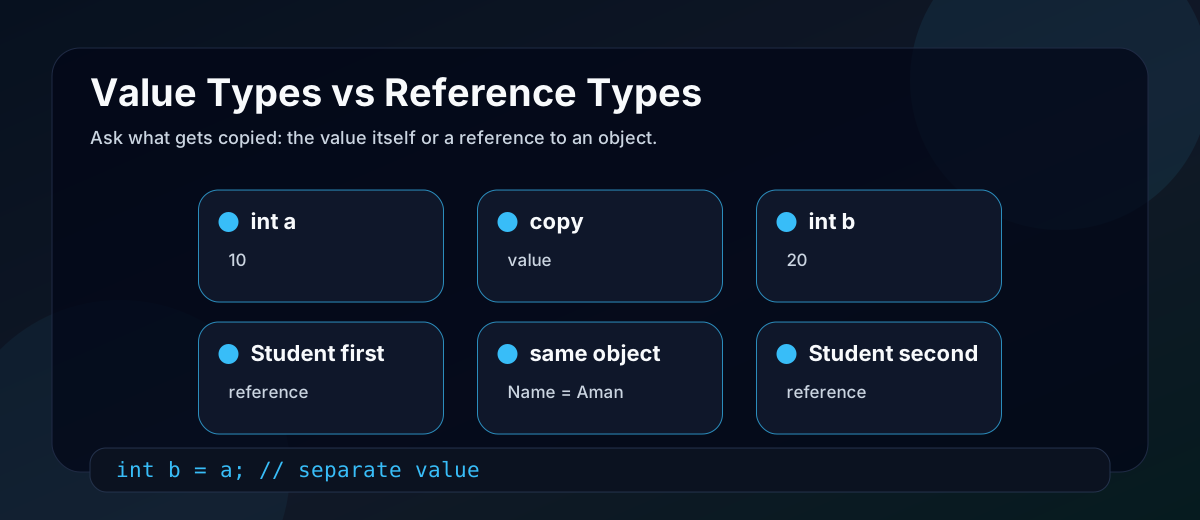
C# types are commonly grouped into two big categories:
| Type category | What the variable contains | Common examples |
|---|---|---|
| Value type | The value itself | int, bool, decimal, DateTime, struct, enum |
| Reference type | A reference to an object | class, string, object, arrays, delegates, interfaces |
The practical difference is copying.
int a = 10;
int b = a;
b = 20;

Console.WriteLine(a); // 10
int is a value type. Assigning a to b copies the value. Changing b does not change a.
Now compare a reference type:
var first = new Student { Name = "Shreya" };
var second = first;

second.Name = "Aman";

Console.WriteLine(first.Name); // Aman
Both variables refer to the same Student object. The variable was copied, but the object was not duplicated.
Avoid the shortcut answer "value types live on the stack and reference types live on the heap." Storage depends on context and runtime details. The better beginner answer is: value-type variables hold values directly; reference-type variables hold references to objects.
Boxing and unboxing
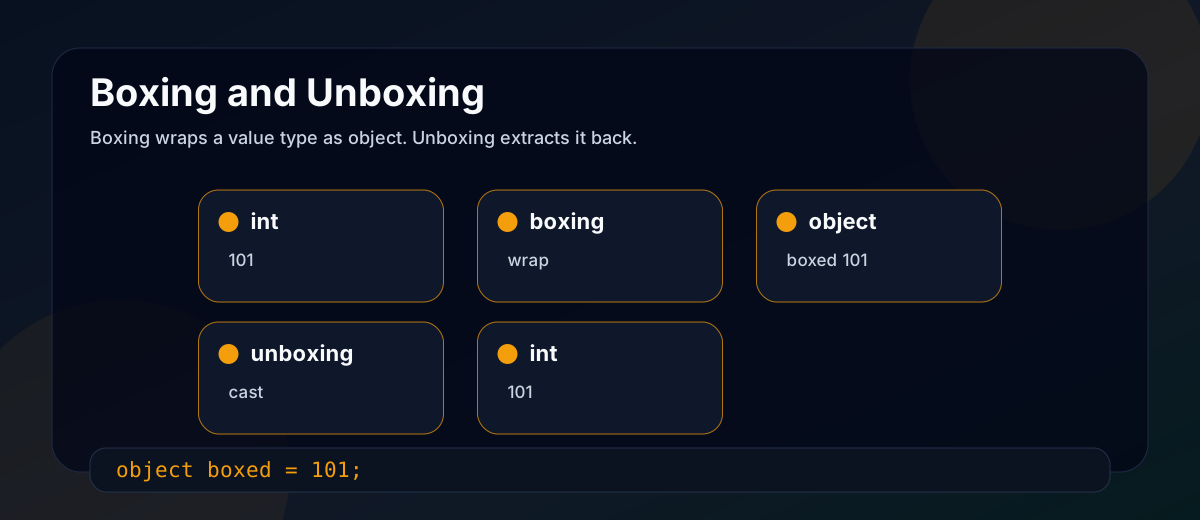
C# has a unified type system, so a value type can be treated as object. When that happens, the runtime creates an object wrapper around the value. That is boxing.
int courseId = 101;
object boxedId = courseId; // boxing
Unboxing extracts the value back from the object wrapper.
int originalId = (int)boxedId; // unboxing
Unboxing must use the correct value type. This fails at runtime:
object boxedId = 101;
long wrong = (long)boxedId; // InvalidCastException
Boxing matters because it allocates and can hurt performance when it happens repeatedly, especially inside loops or non-generic collections. Prefer generic collections such as List<int> instead of storing numbers in an ArrayList or List<object>.
var, dynamic, and object
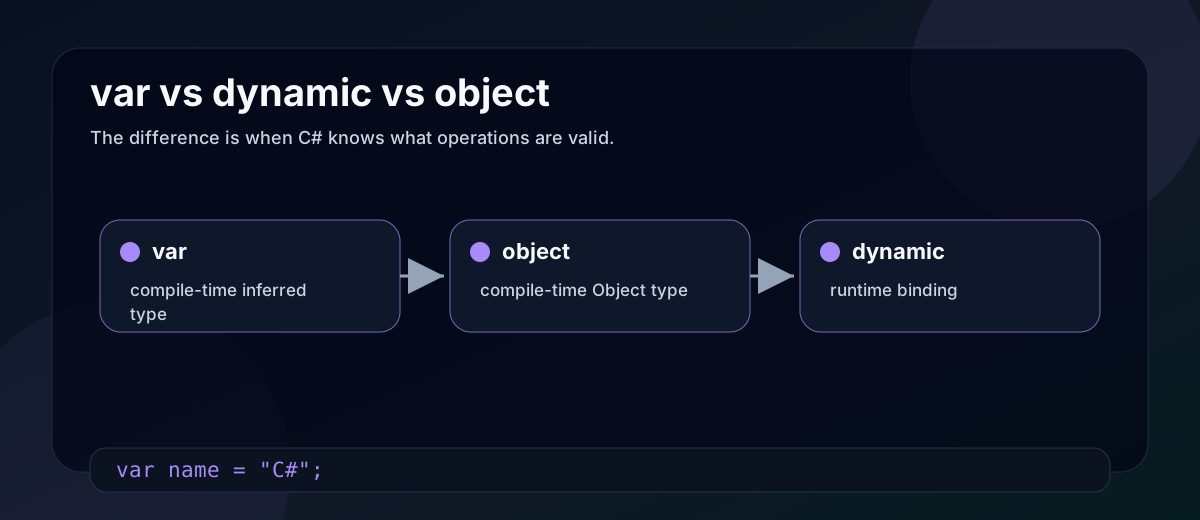
These three are often confused because all can make the type less visible at first glance.
| Keyword/type | When type is checked | Meaning |
|---|---|---|
var | Compile time | The compiler infers the actual static type. |
object | Compile time | The variable is statically typed as System.Object. |
dynamic | Runtime | Member binding is delayed until the code runs. |
var name = "C# Basics";
Console.WriteLine(name.Length); // OK

object title = "C# Basics";
// Console.WriteLine(title.Length); // compile-time error

dynamic dynamicTitle = "C# Basics";
Console.WriteLine(dynamicTitle.Length); // resolved at runtime
Use var when the type is obvious from the right side. Use object when you truly need a variable that can hold any object and you will handle the type safely. Use dynamic only when runtime binding is useful, such as interop scenarios, because you lose compile-time safety for those operations.
const and readonly
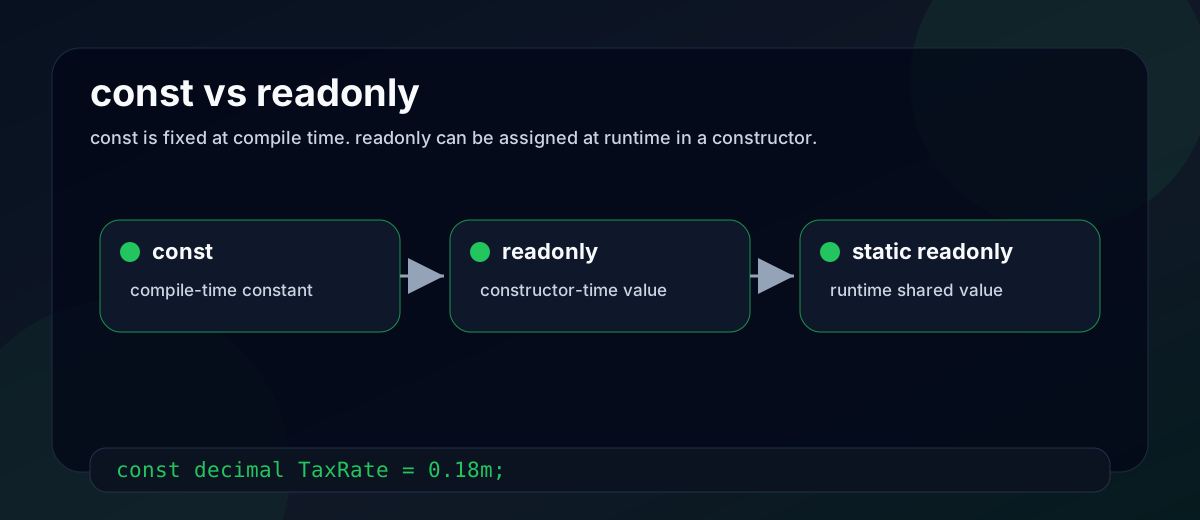
Both prevent reassignment, but they work differently.
public class Course
{
    public const decimal TaxRate = 0.18m;
    public readonly DateTime CreatedAt;

    public Course()
    {
        CreatedAt = DateTime.UtcNow;
    }
}
const values are compile-time constants. They are implicitly static and must be assigned when declared. Use them for values that truly never change, such as mathematical constants.
readonly fields are assigned at declaration or inside a constructor. They are runtime values and can differ per object unless marked static readonly.
For public library code, be careful with public const values. Other compiled assemblies may inline them. If the value changes later, consumers may need recompilation to see the new value. static readonly is often safer for values that may change between releases.
Nullable types
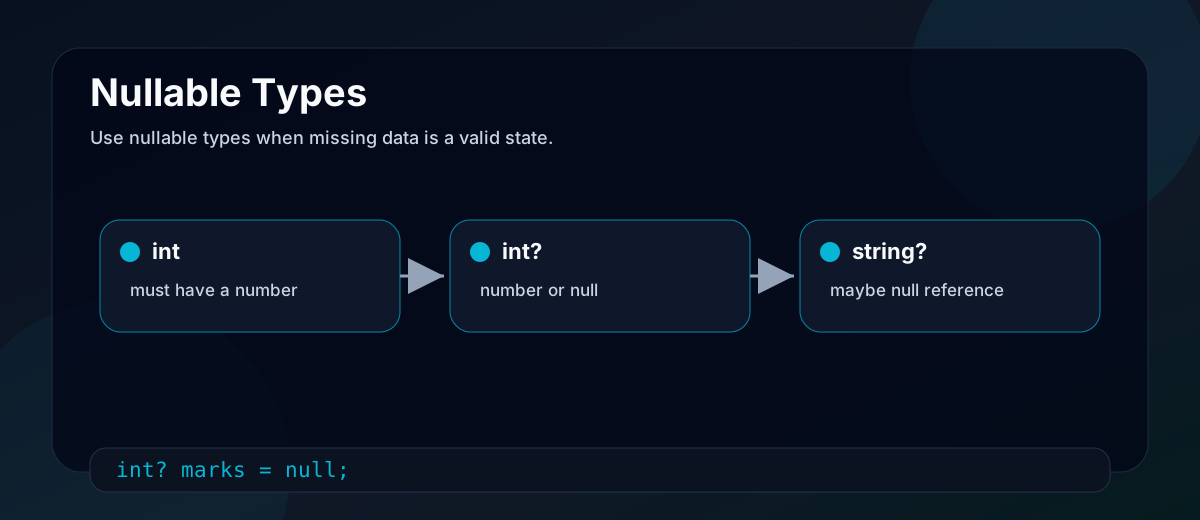
Normally, value types such as int, bool, and DateTime cannot hold null.
int marks = null; // invalid
A nullable value type adds the ability to represent "no value."
int? marks = null;

if (marks.HasValue)
{
    Console.WriteLine(marks.Value);
}
int? is shorthand for Nullable<int>. Use it when absence is meaningful, such as an optional exam score.
Modern C# also has nullable reference type annotations:
string name = "Shreya";
string? middleName = null;
For reference types, nullable annotations are mainly a compile-time safety feature. They help the compiler warn when your code may dereference null.
== and .Equals()
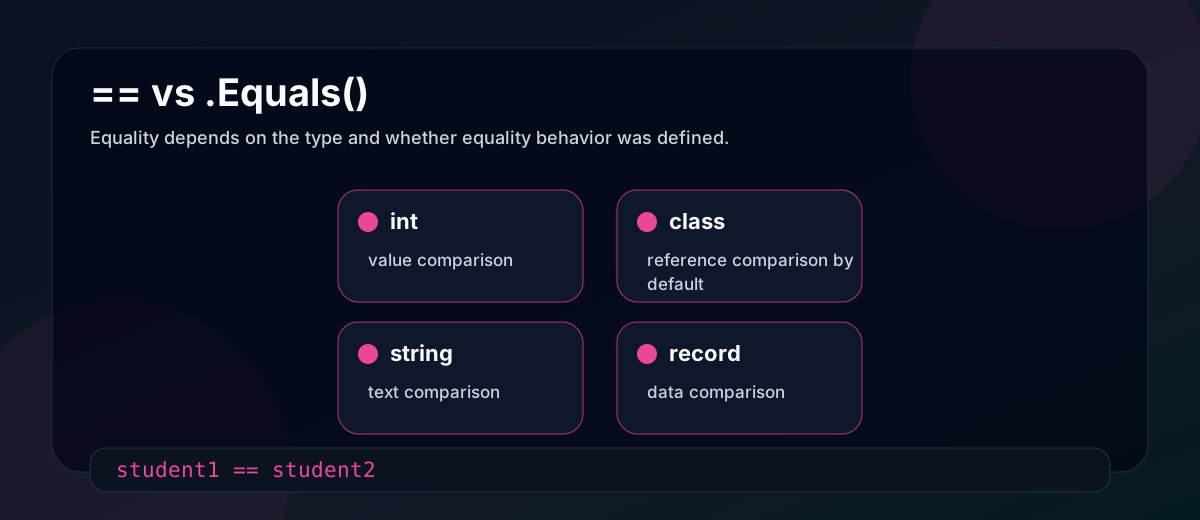
== is an operator. .Equals() is a method. Their behavior depends on the type.
int x = 10;
int y = 10;
Console.WriteLine(x == y);      // True
Console.WriteLine(x.Equals(y)); // True
For value types like int, both compare values.
For many classes, default equality is reference equality:
var s1 = new Student { Name = "Asha" };
var s2 = new Student { Name = "Asha" };

Console.WriteLine(s1 == s2);      // False by default
Console.WriteLine(s1.Equals(s2)); // False by default
Both variables hold different objects, even though their data matches.
string is special because it overloads equality to compare text values:
string a = "dotnet";
string b = "dot" + "net";

Console.WriteLine(a == b);      // True
Console.WriteLine(a.Equals(b)); // True
For your own domain classes, define equality intentionally if two objects with the same data should be treated as equal. Records help with that, as you will see later.
ref, out, and in parameters
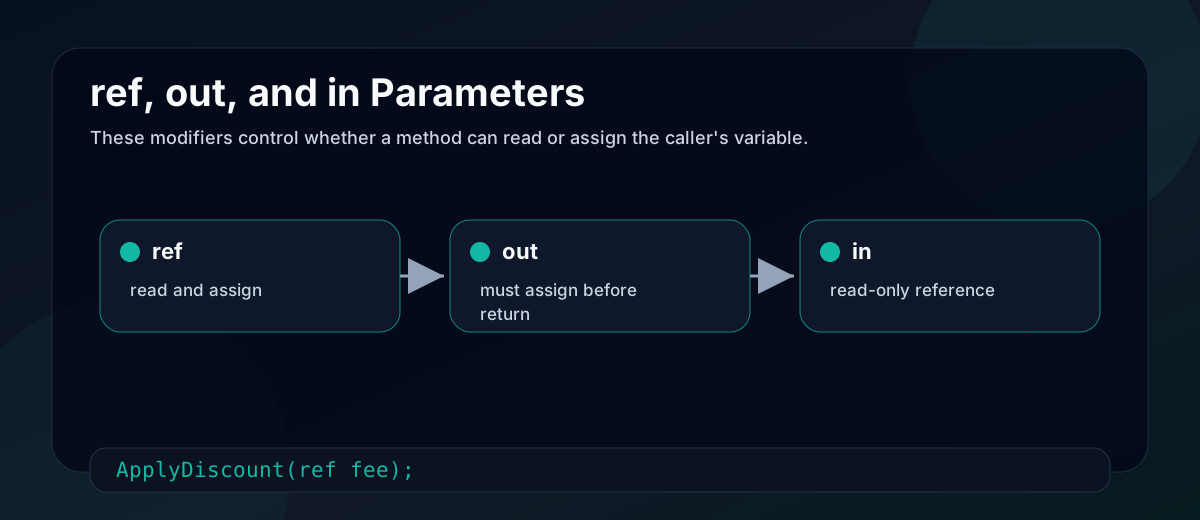
Normal method arguments are passed by value. For a value type, the value is copied. For a reference type, the reference is copied.
ref, out, and in change how the argument is passed.
| Modifier | Method can read? | Method can assign? | Caller must initialize first? |
|---|---|---|---|
ref | Yes | Yes | Yes |
out | No, until assigned | Yes, must assign before return | No |
in | Yes | No | Yes |
void ApplyDiscount(ref decimal fee)
{
    fee -= 500;
}

bool TryParseMarks(string input, out int marks)
{
    return int.TryParse(input, out marks);
}

void PrintFee(in decimal fee)
{
    Console.WriteLine(fee);
}
Use out for try-style methods that need to return a success flag and a value. Use ref when the method intentionally changes the caller's variable. Use in mostly for large structs when you want pass-by-reference without allowing modification.
Method overloading
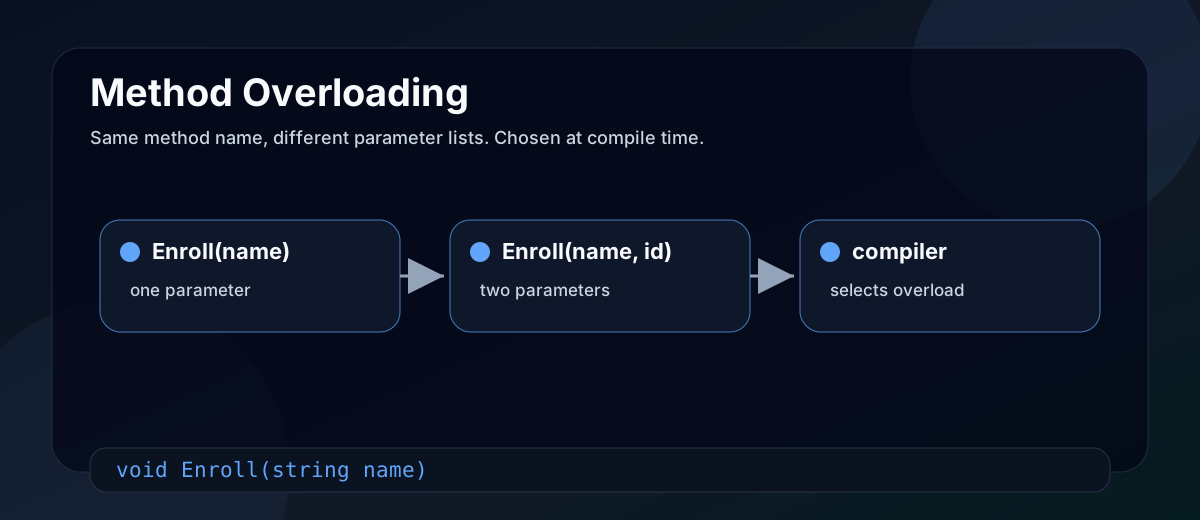
Method overloading means multiple methods have the same name but different parameter lists.
void Enroll(string studentName)
{
    Console.WriteLine(studentName);
}

void Enroll(string studentName, int courseId)
{
    Console.WriteLine($"{studentName} enrolled in {courseId}");
}
The compiler chooses the overload at compile time based on the arguments. Return type alone is not enough to overload a method.
Overloading is useful when one action has natural variations. Do not overload unrelated operations just because you like the method name.
Method overriding
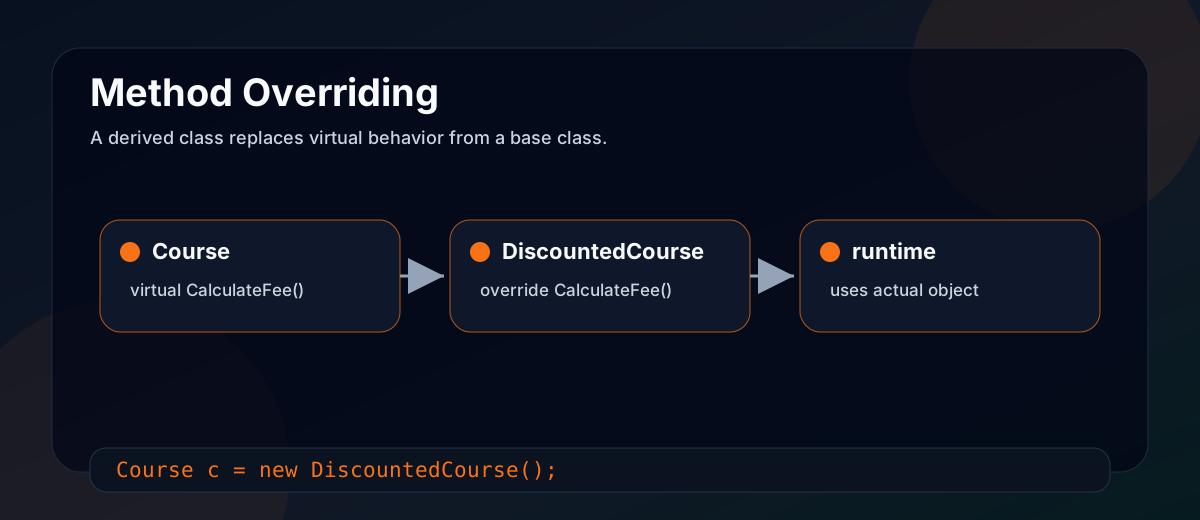
Method overriding happens in inheritance. A base class marks a member as virtual, and a derived class replaces that behavior using override.
public class Course
{
    public virtual decimal CalculateFee()
    {
        return 5000;
    }
}

public class DiscountedCourse : Course
{
    public override decimal CalculateFee()
    {
        return 4000;
    }
}
Now the runtime chooses the correct implementation based on the actual object:
Course course = new DiscountedCourse();
Console.WriteLine(course.CalculateFee()); // 4000
This is runtime polymorphism.
virtual, override, and new
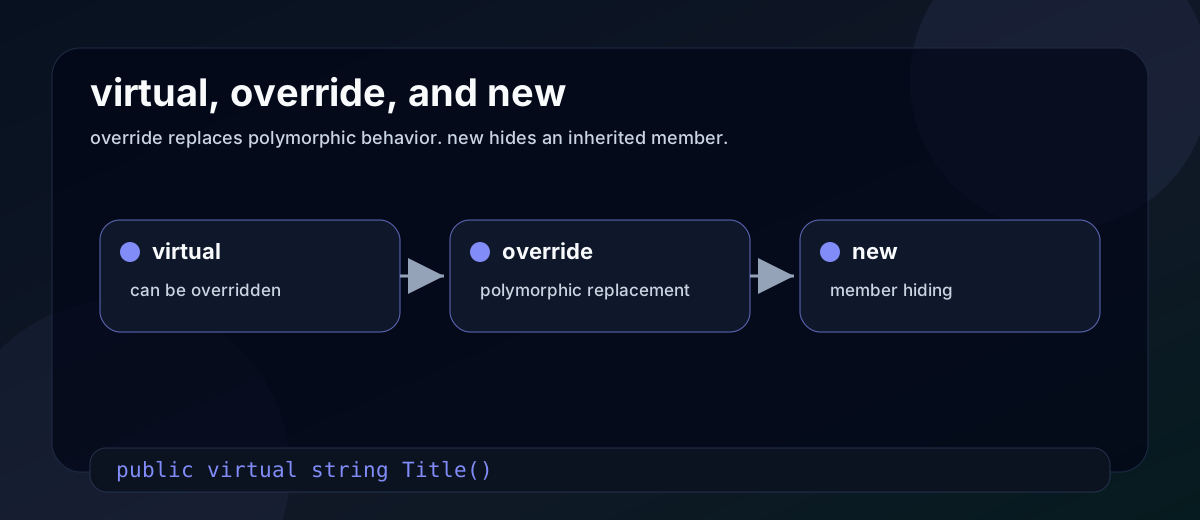
These keywords are related but not interchangeable.
virtual says: a derived class may override this member.
override says: this member replaces an inherited virtual member.
new says: this member hides an inherited member.
public class BaseReport
{
    public virtual string Title() => "Base report";
}

public class FinalReport : BaseReport
{
    public override string Title() => "Final report";
}
With override, polymorphism works through the base type.
BaseReport report = new FinalReport();
Console.WriteLine(report.Title()); // Final report
Now compare hiding:
public class HiddenReport : BaseReport
{
    public new string Title() => "Hidden report";
}

BaseReport report = new HiddenReport();
Console.WriteLine(report.Title()); // Base report
The new keyword does not override behavior. It hides the base member when accessed through the derived type. Use it rarely and only when hiding is intentional.
Extension methods
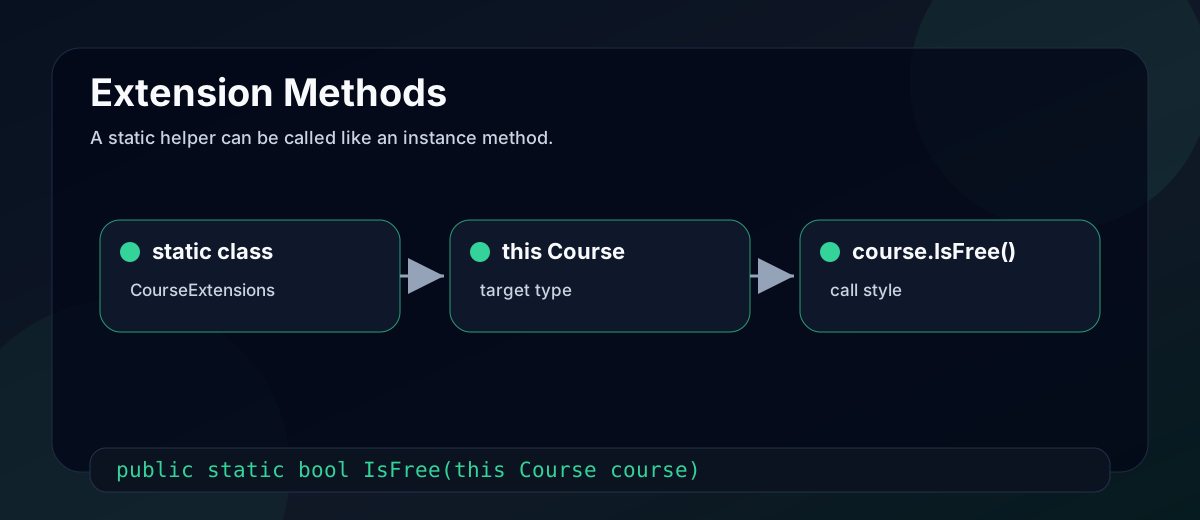
Extension methods let you call static methods as if they were instance methods.
public static class CourseExtensions
{
    public static bool IsFree(this Course course)
    {
        return course.CalculateFee() == 0;
    }
}

var course = new Course();
Console.WriteLine(course.IsFree());
The method must be static and commonly lives in a static class. The this modifier on the first parameter tells C# which type is being extended.
Extension methods are useful when you want fluent helper methods without editing the original type. They do not actually modify the type, and they cannot access private members.
Partial classes
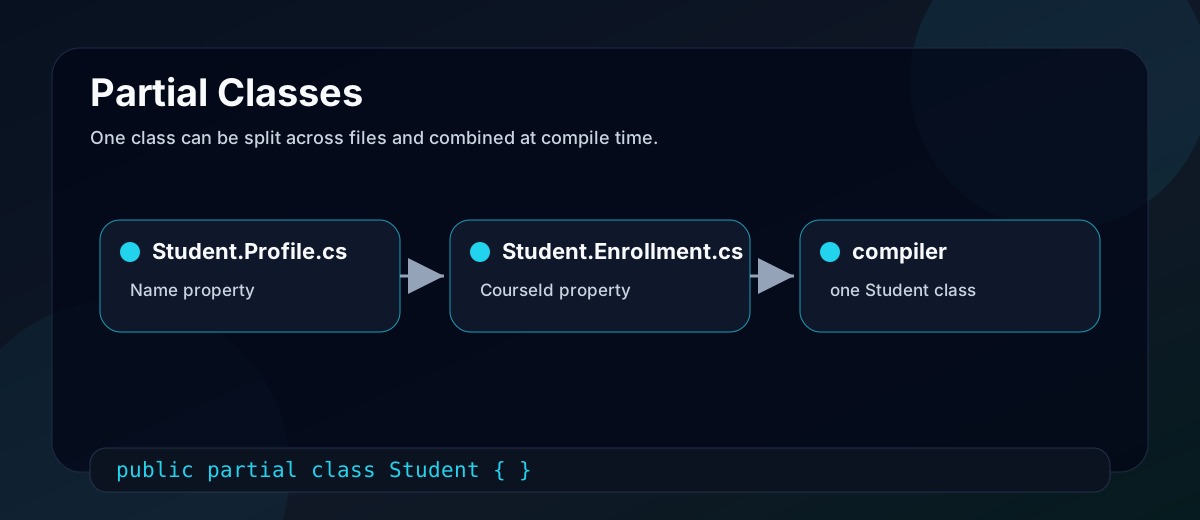
A partial class lets one class be split across multiple files.
// Student.Profile.cs
public partial class Student
{
    public string Name { get; set; } = "";
}

// Student.Enrollment.cs
public partial class Student
{
    public int CourseId { get; set; }
}
At compile time, C# combines the parts into one class.
Partial classes are common in generated code. One file can be generated by a tool, while another file contains your custom code. Do not use partial classes to hide messy design. Use them when file separation has a clear reason.
Anonymous types
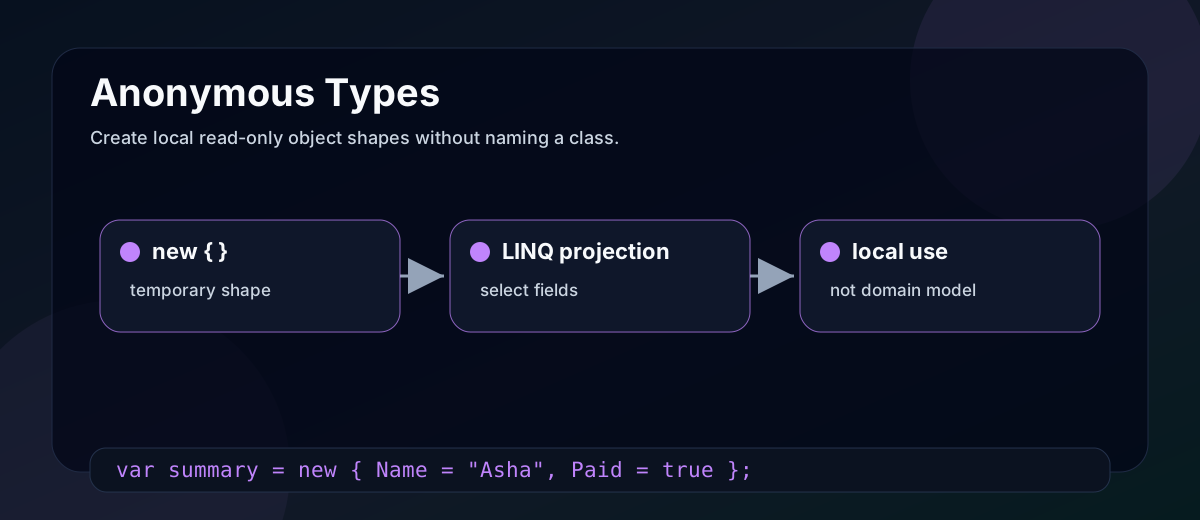
Anonymous types let you create simple read-only object shapes without declaring a named class.
var summary = new
{
    StudentName = "Shreya",
    Course = "C# Basics",
    Paid = true
};

Console.WriteLine(summary.StudentName);
They are common in LINQ projections:
var summaries = students.Select(student => new
{
    student.Name,
    student.CourseId
});
Anonymous types are great for local, temporary shapes. If the data crosses method boundaries or belongs to your domain model, create a named type.
Sealed classes
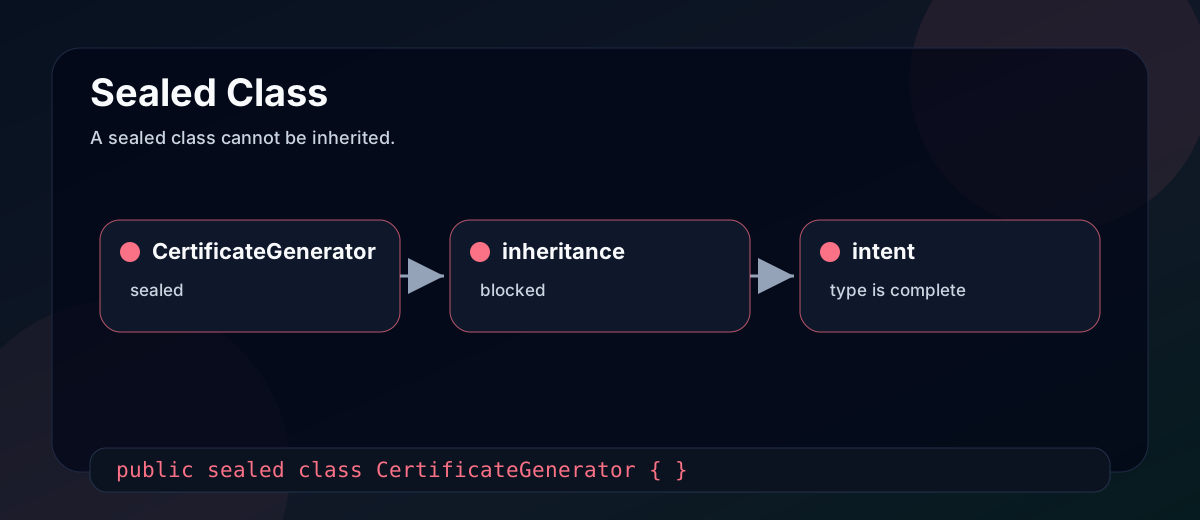
A sealed class cannot be inherited.
public sealed class CertificateGenerator
{
    public string Generate(string studentName)
    {
        return $"Certificate for {studentName}";
    }
}
Use sealed when inheritance would be unsafe, confusing, or unsupported by the design. It can also make intent clearer: this type is complete as-is.
Static classes
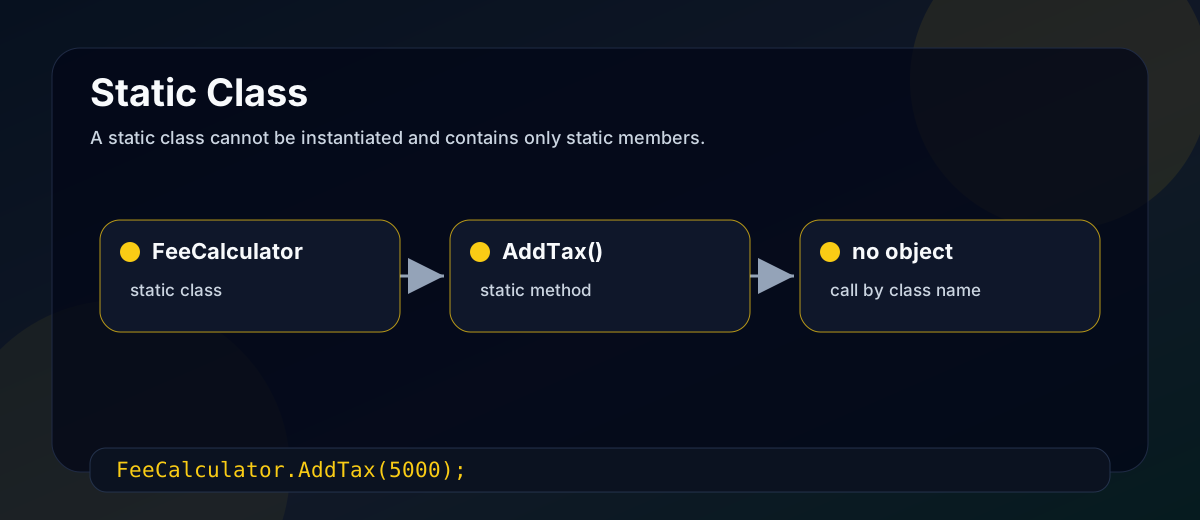
A static class cannot be instantiated and contains only static members.
public static class FeeCalculator
{
    public static decimal AddTax(decimal amount)
    {
        return amount * 1.18m;
    }
}
Static classes are useful for stateless helpers, constants, and extension methods. They are a poor fit for behavior that needs dependencies, testing seams, or per-request state. In ASP.NET Core apps, prefer dependency injection for services that use databases, HTTP clients, logging, or configuration.
Can a static class be inherited?
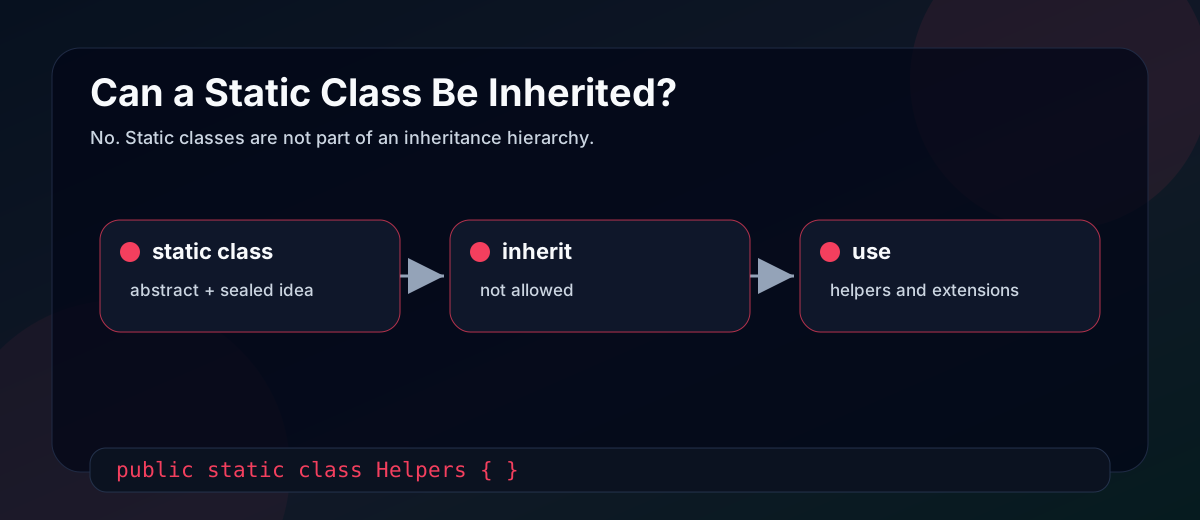
No. A static class cannot be inherited, instantiated, or used as a normal base type. Conceptually, it behaves like a class that is both abstract and sealed.
This is why extension methods live in static classes, but the classes themselves are not part of an inheritance hierarchy.
String, StringBuilder, and Span<char>
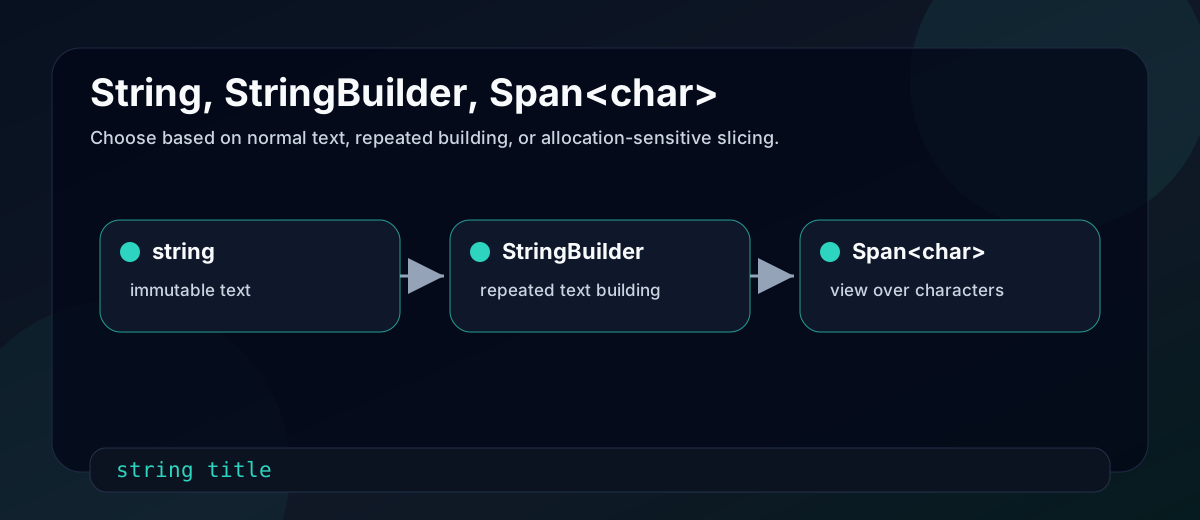
string and System.String are the same type in C#. string is the C# alias.
Strings are immutable. Once a string object is created, its text cannot be changed. Operations that look like mutation create a new string.
string title = "C#";
title += " Basics";

Console.WriteLine(title); // C# Basics
The variable title now refers to a new string. The original string was not modified.
StringBuilder is useful when you repeatedly build or modify text.
var builder = new StringBuilder();

foreach (var student in students)
{
    builder.AppendLine(student.Name);
}

string report = builder.ToString();
Span<char> is a stack-only view over a contiguous region of characters. It helps you work with slices of text or buffers without unnecessary allocations.
Span<char> buffer = stackalloc char[5];
buffer[0] = 'H';
buffer[1] = 'e';
buffer[2] = 'l';
buffer[3] = 'l';
buffer[4] = 'o';

Console.WriteLine(buffer.ToString());
Use string for normal text, StringBuilder for repeated construction, and Span<char> for performance-sensitive parsing or buffer work where you understand the lifetime rules.
Why strings are immutable
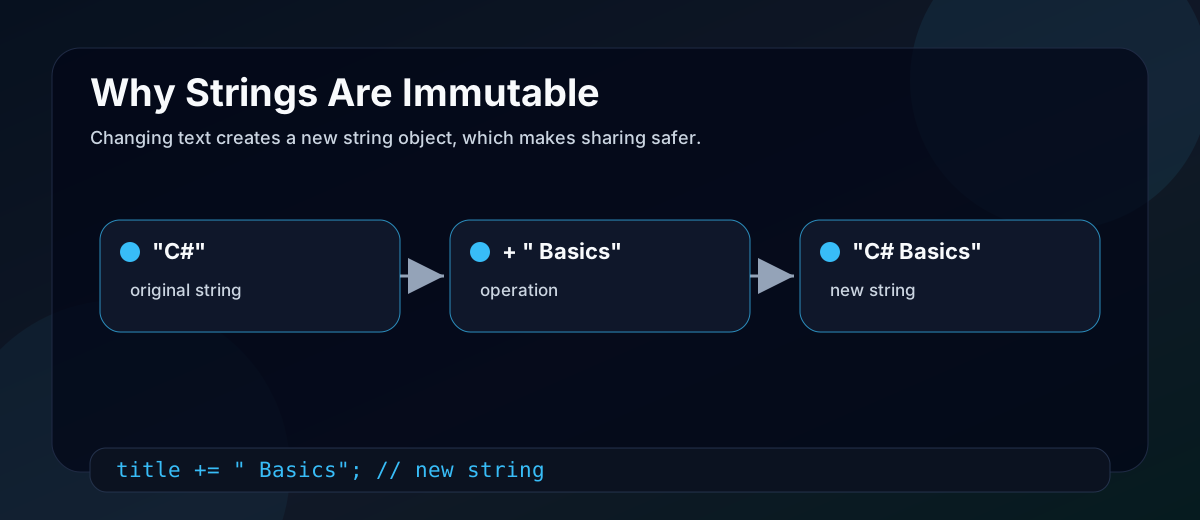
String immutability gives C# and .NET several benefits:
- A string can be safely shared without one part of the program changing it unexpectedly.
- String keys work reliably in dictionaries because their contents do not change after hashing.
- String interning and reuse become practical for some literals.
- APIs can pass strings around without defensive copying in common cases.
The tradeoff is that repeated concatenation can allocate many temporary strings. That is why StringBuilder exists.
Pattern matching
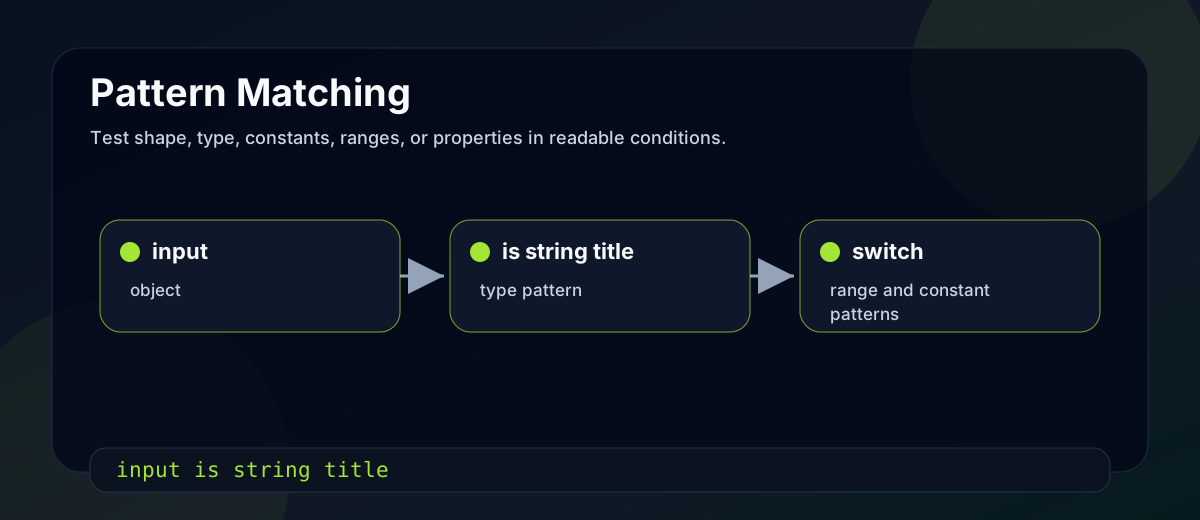
Pattern matching lets you test a value's shape and extract useful data in the same expression.
object input = "C# Basics";

if (input is string title && title.Length > 0)
{
    Console.WriteLine(title.ToUpperInvariant());
}
The is string title pattern checks the runtime type and creates a strongly typed variable.
Pattern matching is also useful in switch expressions:
static string GetFeeLabel(decimal fee) => fee switch
{
    0 => "Free",
    > 0 and <= 1000 => "Low cost",
    > 1000 => "Paid",
    _ => "Unknown"
};
It makes branching code more expressive when the conditions describe types, ranges, constants, or object properties.
Records
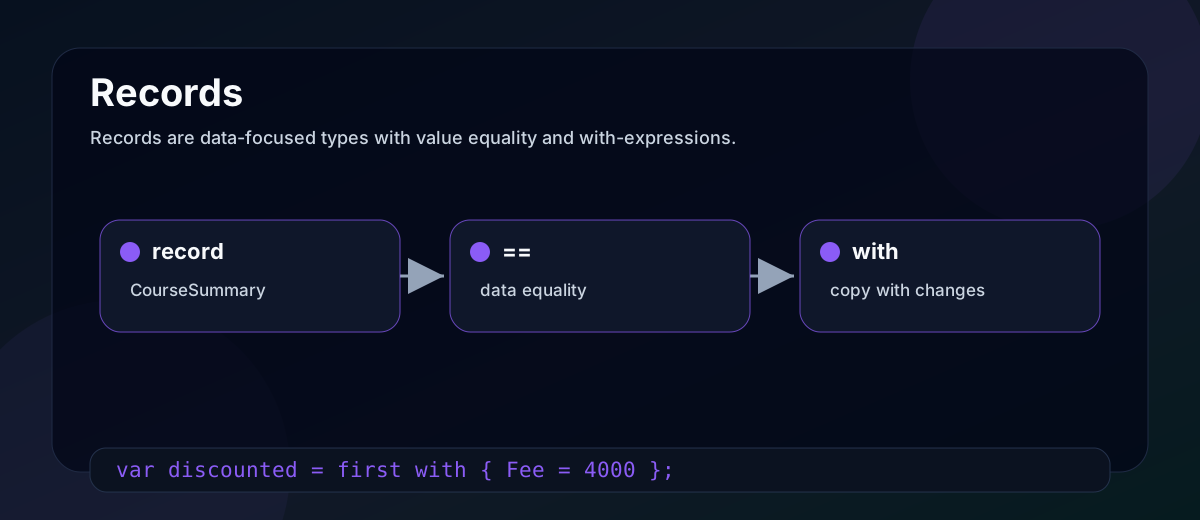
Records are data-focused types with compiler-generated value equality, readable ToString() output, and support for nondestructive mutation through with expressions.
public record CourseSummary(int Id, string Title, decimal Fee);

var first = new CourseSummary(1, "C# Basics", 5000);
var second = new CourseSummary(1, "C# Basics", 5000);

Console.WriteLine(first == second); // True
A normal class would compare references by default. A record compares data by default.
The with expression creates a copy with selected changes:
var discounted = first with { Fee = 4000 };
Records are useful for DTOs, results, messages, and immutable data models. Be cautious with EF Core entity types, where identity and change tracking are usually reference-based.
Quick check
Which statement best describes boxing in C#?
Common mistakes
The first mistake is explaining value and reference types only with memory locations. Focus on copy behavior and object references first.
The second mistake is using dynamic because it feels flexible. Flexibility is not free. You lose compile-time checking for dynamic operations.
The third mistake is treating new like override. new hides. override participates in polymorphism.
The fourth mistake is using StringBuilder for every small concatenation. For a few strings, normal interpolation is clearer and usually fine.
The fifth mistake is using records for every model. Records are excellent when value equality is what you mean. They are not automatically better than classes for entities with identity and lifecycle.
Practical summary
If you are preparing for .NET interviews, practice explaining C# basics with tiny examples:
1. What gets copied?
2. When is the type checked?
3. Is equality comparing references or values?
4. Is behavior selected at compile time or runtime?
5. Is this feature helping clarity, safety, or performance?
Small challenge: create a Course, Student, and CourseSummary in a console app. Use a class, a record, a nullable property, an overloaded method, an extension method, and one switch expression. Then explain what happens when you copy each variable.